Quiz Program
A simple quiz application with user authentication, supporting both students and instructors. The program uses a graphical user interface (GUI) built with Tkinter for login and error handling. Students can take quizzes and view their scores, while instructors can create quizzes.
Focus
- Python
- Object Oriented Programming (OOP)
- Tinker (GUI)
- csv file handlig with I/O
Features
- User Authentication: Login system for students and instructors.
- Student Functionality: Take quizzes, view scores.
- Instructor Functionality: Create quizzes, manage student data.
- GUI: Tkinter-based windows for login, confirmation, errors, and pop-ups.
- Quiz Management: Quizzes are loaded from CSV files.
File Structure
user.py— ContainsStudent,Instructor, andSystemclasses for user management and quiz logic.gui.py— Handles all GUI windows (login, confirmation, error, pop-ups).quiz.py— Defines theQuizclass for quiz creation and management.Quizfiles/— Directory containing quiz CSV files (e.g.,quiz1.csv).Run.pyorSencereRabel-test_run.py— Main entry point scripts.
How It Works
- Start the Program: Run
Run.py.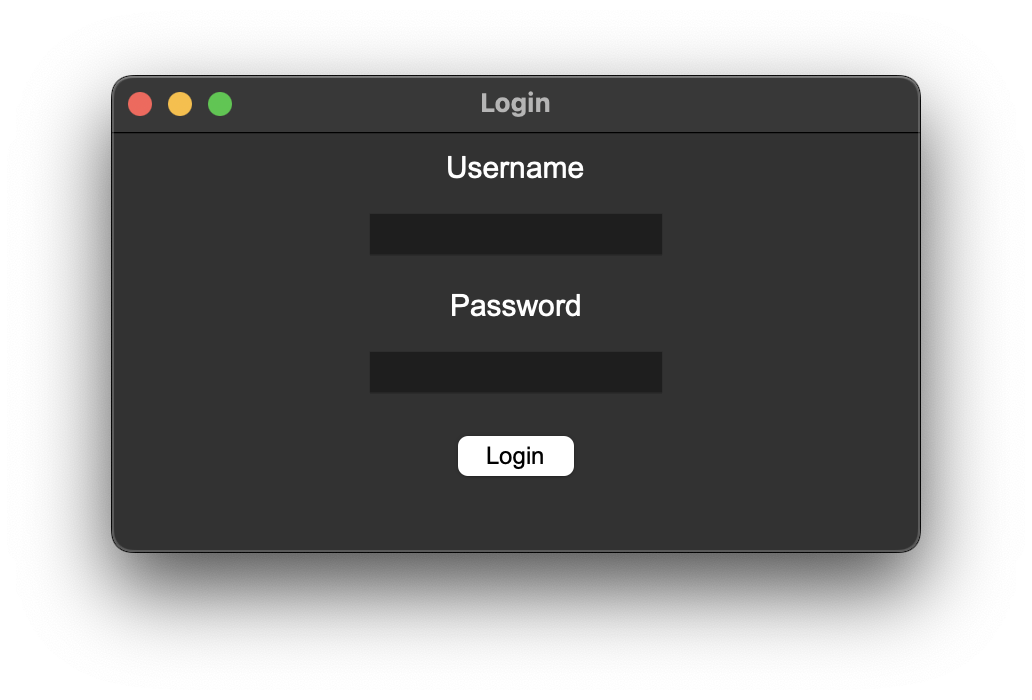
- Login: Enter your username and password in the GUI window.
- Role-Based Actions:
- Student: Take a quiz and view your score.
- Instructor: Create and manage quizzes.
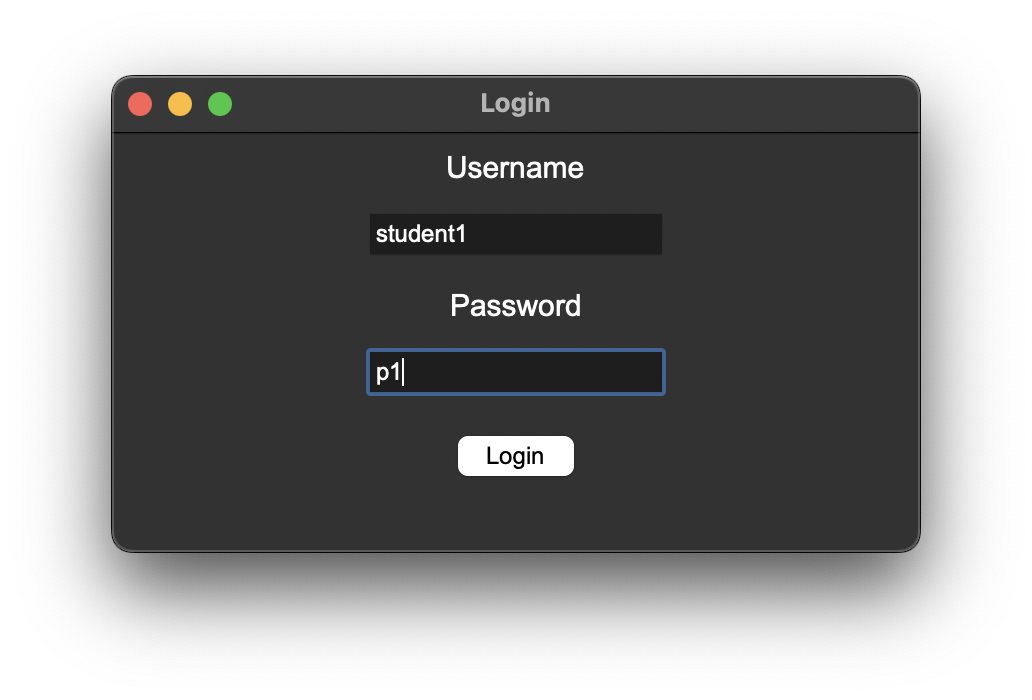
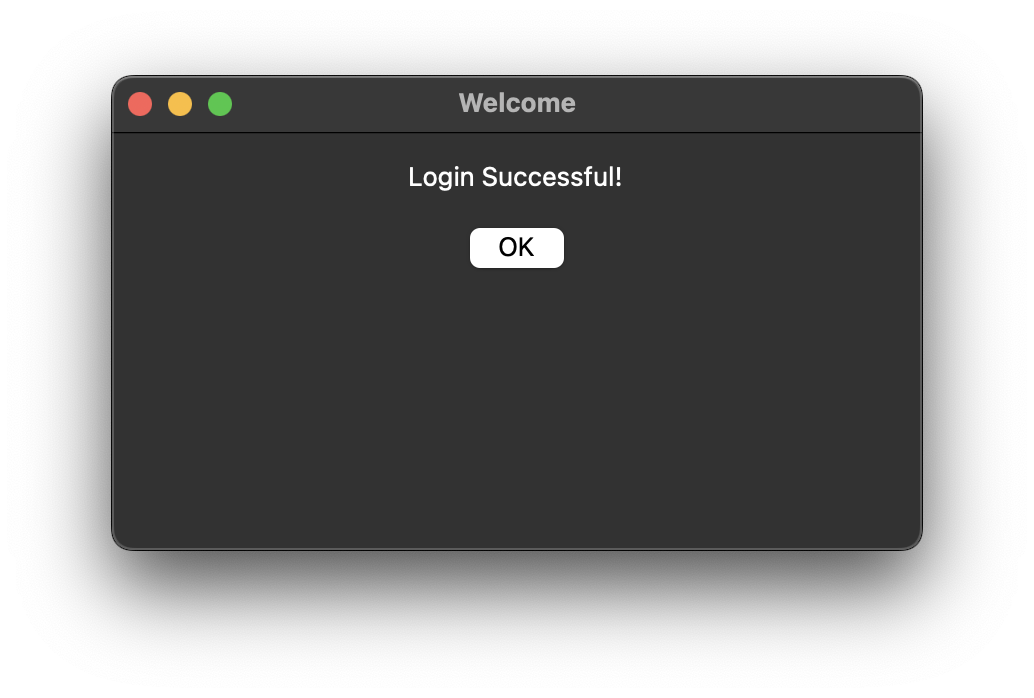
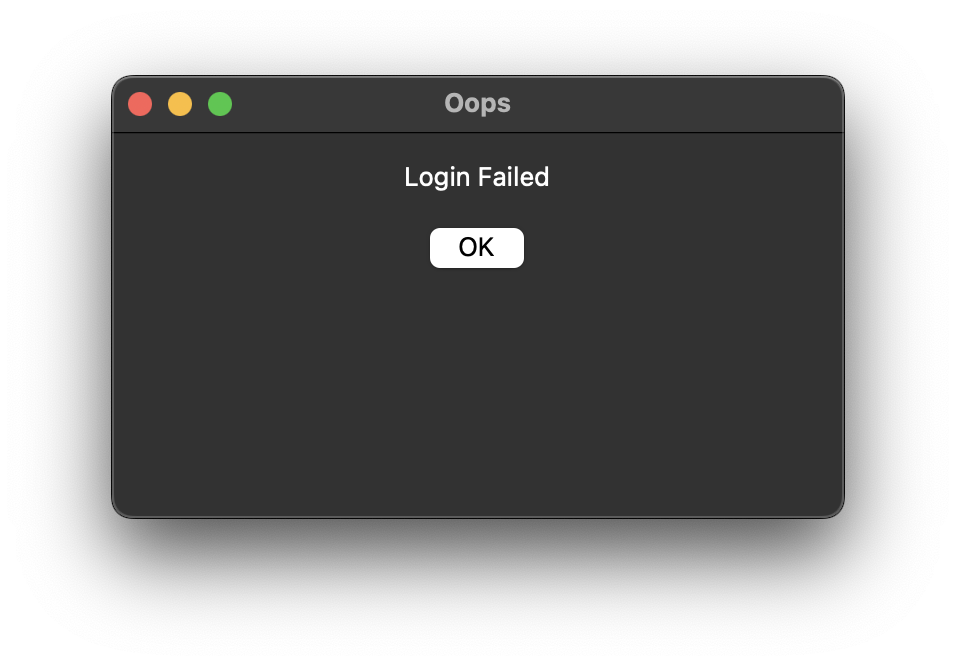
- Error Handling: If an error occurs, an error window will be displayed.
- Responce Submission: Select you answer and click submit.
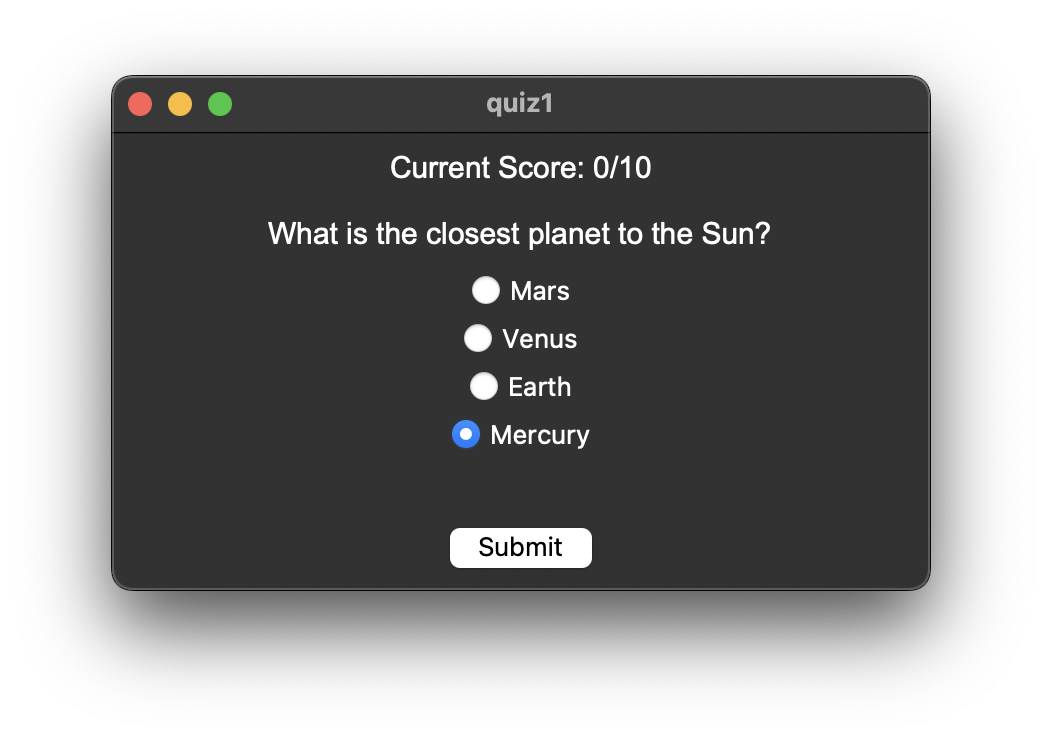
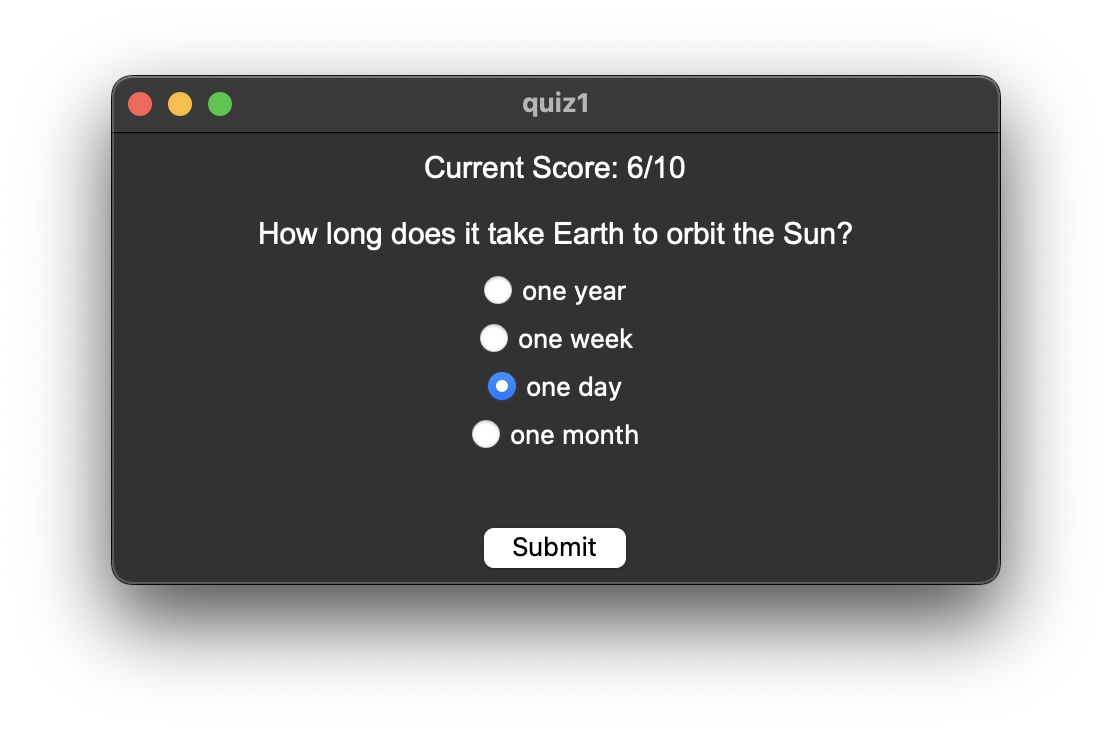
- Receive live feedback: Current score is shown at the top.
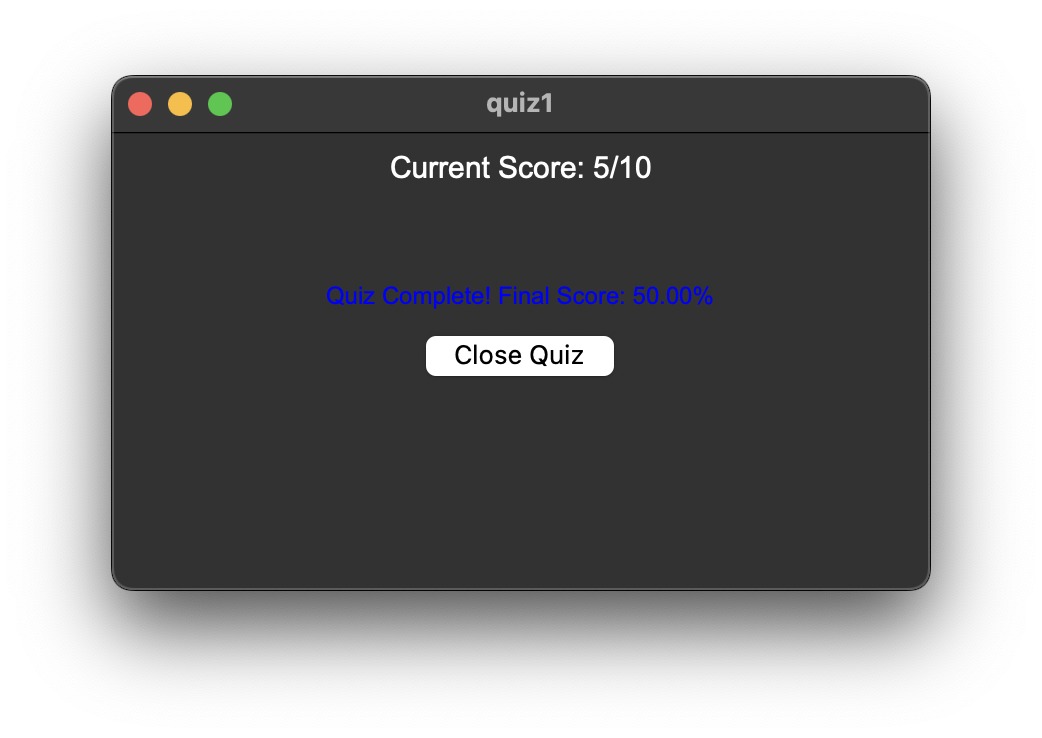
- Final Score: Displayed at the end.
Requirements
- Python 3.x
- Tkinter (usually included with Python)
- CSV files for quizzes in the
Quizfiles/directory
Getting Started
- Clone the repository.
- Ensure you have Python 3 installed.
- Place your quiz CSV files in the
Quizfiles/directory. -
Run the main script:
python Run.pyContributors
   - `Sencere Rabel`  - Github: `https://github.com/SencereRabel`
   - `Marcos Hernandez`  - Github: `https://github.com/MarcoAxel`
License
MIT License